

Demo:
https://webberdoo.wixstudio.com/pressure-washing-t
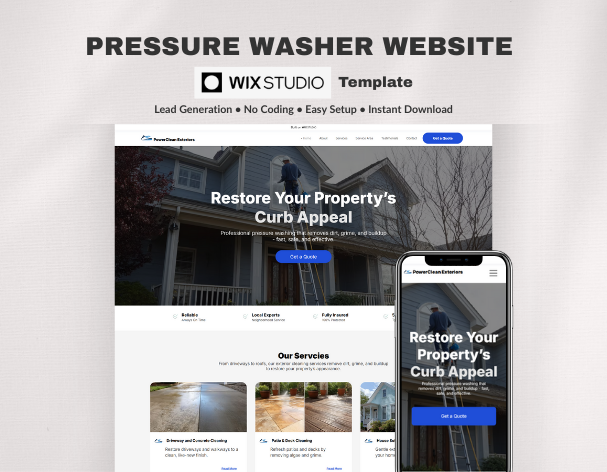
This Wix Studio website system is designed for pressure washing and exterior cleaning businesses that need a professional, trustworthy online presence without starting from scratch.
Built for residential and commercial exterior cleaning services, the system provides a clear service structure, local lead capture workflow and scalable CMS setup that supports ongoing growth.
It helps you present services clearly, attract local customers and generate consistent quote requests — with no coding required.
The template runs on Wix Studio’s CMS architecture, allowing you to manage services, pricing, testimonials, team members and service areas from a structured dashboard.
Updates happen once at the system level, keeping your website consistent and easy to maintain.
• Pressure washing companies
• Exterior cleaning services
• Driveway and patio cleaning businesses
• Roof and siding washing specialists
• Commercial pressure washing providers
• Property maintenance companies
• Structured Wix Studio website system
• Conversion-focused homepage with lead capture flow
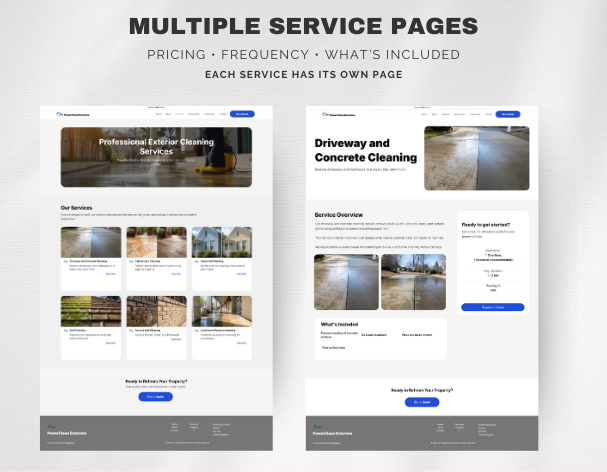
• Services overview and individual service page structure
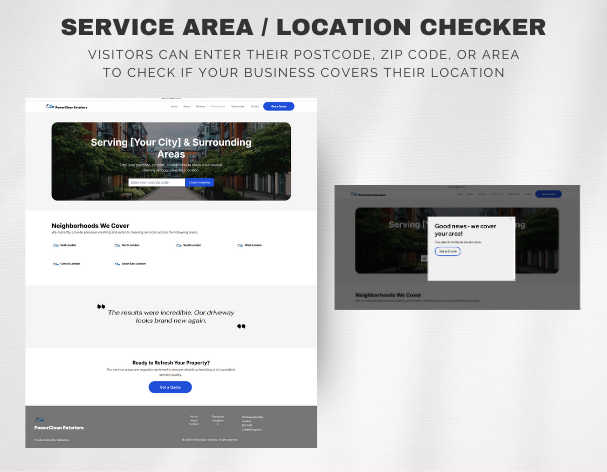
• Service Area / Location Checker
• Testimonials system
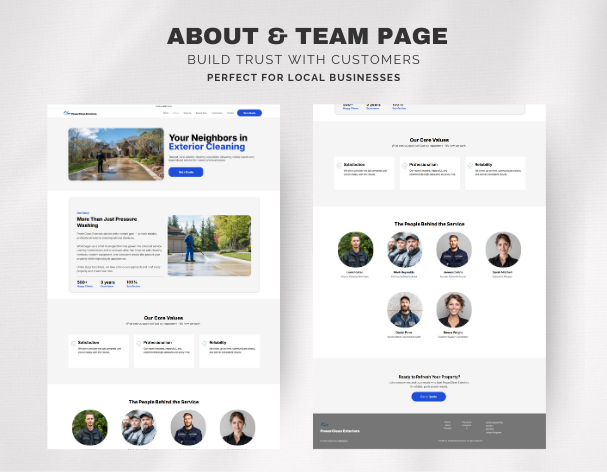
• About page with team profiles
• Contact workflow
• CMS-powered content management
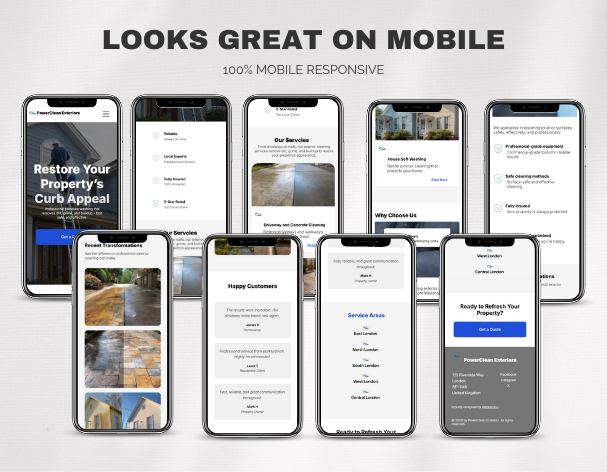
• Fully responsive layout
Everything is organised to support enquiry generation rather than static presentation.
The template includes a dedicated Service Area page where visitors can enter a postcode, ZIP code or location to confirm coverage before contacting you.
This helps:
• Filter enquiries by location
• Set clear coverage expectations
• Reduce wasted messages
• Improve trust with local customers
All service areas and postcode entries are editable directly inside the CMS.
Demo: Visit the Service Area page and try sample postcodes such as E1 or E14 to see how coverage is validated.
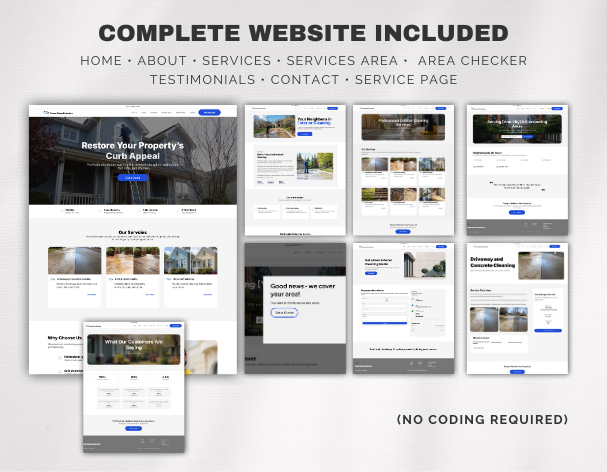
• Home
• About (team structure)
• Services overview
• Individual service pages
• Service Area / Location Checker
• Testimonials
• Contact
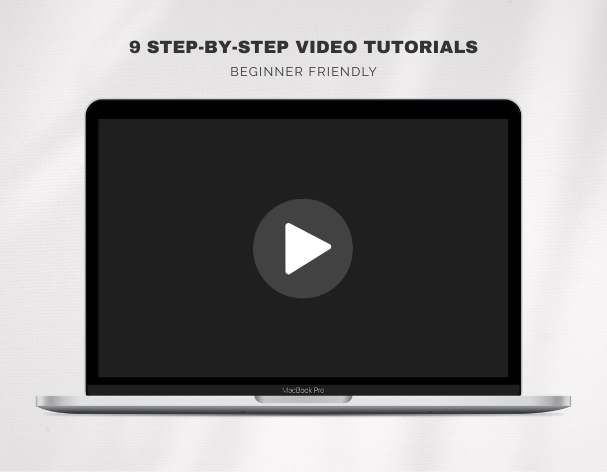
Video walkthroughs show how to:
• Edit text and images via CMS
• Customise services
• Update team members and testimonials
• Configure the Service Area Checker
• Set up contact forms
No technical knowledge required.
PDF guides covering:
• Getting started
• CMS structure explained
• Where content is edited
• Branding and colour customisation
• Launch guidance
Designed to help you launch confidently.
Digital product.
After purchase you receive:
• Template access instructions
• Tutorial links
• Setup documentation
No physical item will be shipped.
• Wix Studio account required (not compatible with Wix Editor)
• Demo imagery is placeholder content
• This is a template system, not a custom build
• Digital products are non-refundable
• Personal and commercial use permitted
• Use for your own business or client projects
• Redistribution or resale of the template itself is not permitted
There are no reviews yet.
From multipurpose themes to niche templates